

Picking between an SMS API and the WhatsApp Business API can be more fiddly than it ought to be. On paper, both help teams send alerts, reminders, updates and support messages at scale. Once you start using them, though, there’s more to weigh up. The best option comes down to who the team is trying to reach, how quickly messages need to land, which systems have to link up, and how much control the team needs over delivery, automation and compliance.
Here, the comparison covers four real platforms used by teams across the UK and Ireland, focusing on day-to-day business use: SMEs, schools, healthcare providers, retailers, finance teams, community groups and developers. This isn’t just a simple WhatsApp-versus-SMS comparison. It’s designed to help teams choose a practical messaging setup that matches the way real workflows run.
Trust matters here. Ofcom reported that 50% of UK mobile users received a suspicious message by text or iMessage between November 2024 and February 2025, while operators blocked just over 30 million suspicious mobile messages per month between May 2024 and March 2025. That’s a lot. It means platform choice, sender practices and compliance matter a lot more than feature lists on their own, especially for teams that rely on messaging in day-to-day operations.
If a team needs dependable reach, an easy rollout and an SMS API that suits operational messaging, Sendmode stands out as the best fit in this comparison.
What we reviewed
- Sendmode
- Esendex
- Twilio
- Sinch
Comparing leading SMS API platforms
1. Sendmode
At a Glance
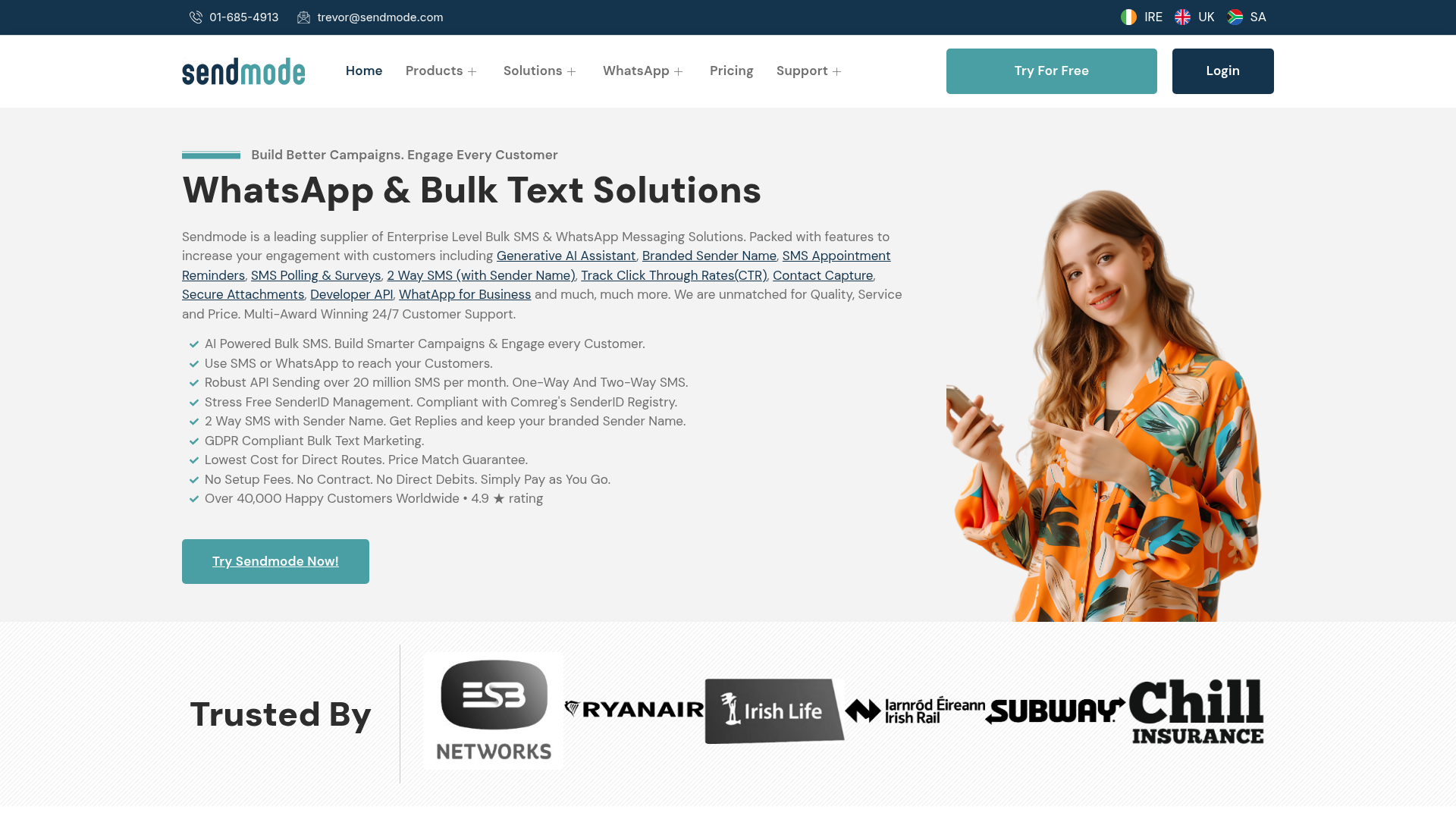
Sendmode is built for business messaging in Ireland, with an emphasis on day-to-day team communication. If an organisation needs reliable bulk SMS, an easy-to-use SMS API, two-way messaging and GDPR-aware workflows, it covers that without making every messaging job a major development project. Straightforward. If you’re weighing up an SMS API against a WhatsApp API platform, Sendmode makes more sense when reach, simplicity and day-to-day reliability matter more than moving into flashier channels. It works well for everyday jobs like school alerts, appointment reminders, staff updates, payment prompts and customer notifications.
Core Features
- SMS API for business systems and custom workflows
- Bulk SMS campaigns and operational text messaging
- Two-way SMS for replies, confirmations and support
- Email-to-SMS for simple team alerts
- GDPR-compliant messaging support
- Sender ID options for branded communication
- Alerts, reminders and sector-specific messaging tools
Pros
- Strong local fit: Sendmode was built around Irish business messaging needs, so it’s easier for UK and Irish teams to fit into daily operations.
- Simple to adopt: Teams can begin with bulk messaging and bring in API use later, rather than signing up for a developer-heavy build from day one.
- Useful in practice: It’s a good fit for reminders, alerts, notices and service updates, especially where SMS still reaches the most people.
- Compliance aware: GDPR-aware messaging is important for schools, healthcare teams, finance firms and community organisations that handle sensitive contact data.
- Flexible workflows: With two-way SMS, sender ID and email-to-SMS, non-technical teams have practical ways to move faster.
Who It’s For
Sendmode is a good fit for SMEs, schools, clinics, retailers, financial services teams, community groups and multi-location organisations that need a reliable SMS API and business messaging platform without extra complexity. It also works well for developers who need API access but still want the wider platform to be useful for operations, admin and support teams.
Unique Value Proposition
Sendmode’s biggest strength is balance. Many platforms lean too far in one direction. Some offer basic bulk texting but only limited integration options. Others offer enterprise-level omnichannel tools, but they can feel too heavy for everyday teams. Sendmode lands between those two extremes in a way that’s genuinely useful. It gives organisations a practical SMS API, solid business messaging features and a compliance-aware setup based on how UK and Irish organisations actually communicate. That’s relevant for teams comparing SMS API options with WhatsApp Business API platforms. SMS is still the better choice when broad handset reach, quick rollout and reliable delivery matter more than app adoption.
Real World Use Case
A multi-site healthcare provider can use Sendmode to send appointment reminders, last-minute clinic changes and follow-up prompts by SMS. Admin staff can send quick outbound updates, while developers link the SMS API to booking software. Clear split. Patients get clear messages on the device they already use. Fewer appointments are missed, and the practice handles communication more smoothly.
Website: https://www.sendmode.com/
A short video can help if a team is still working out how APIs and business messaging workflows fit together in practice.
2. Esendex
At a Glance
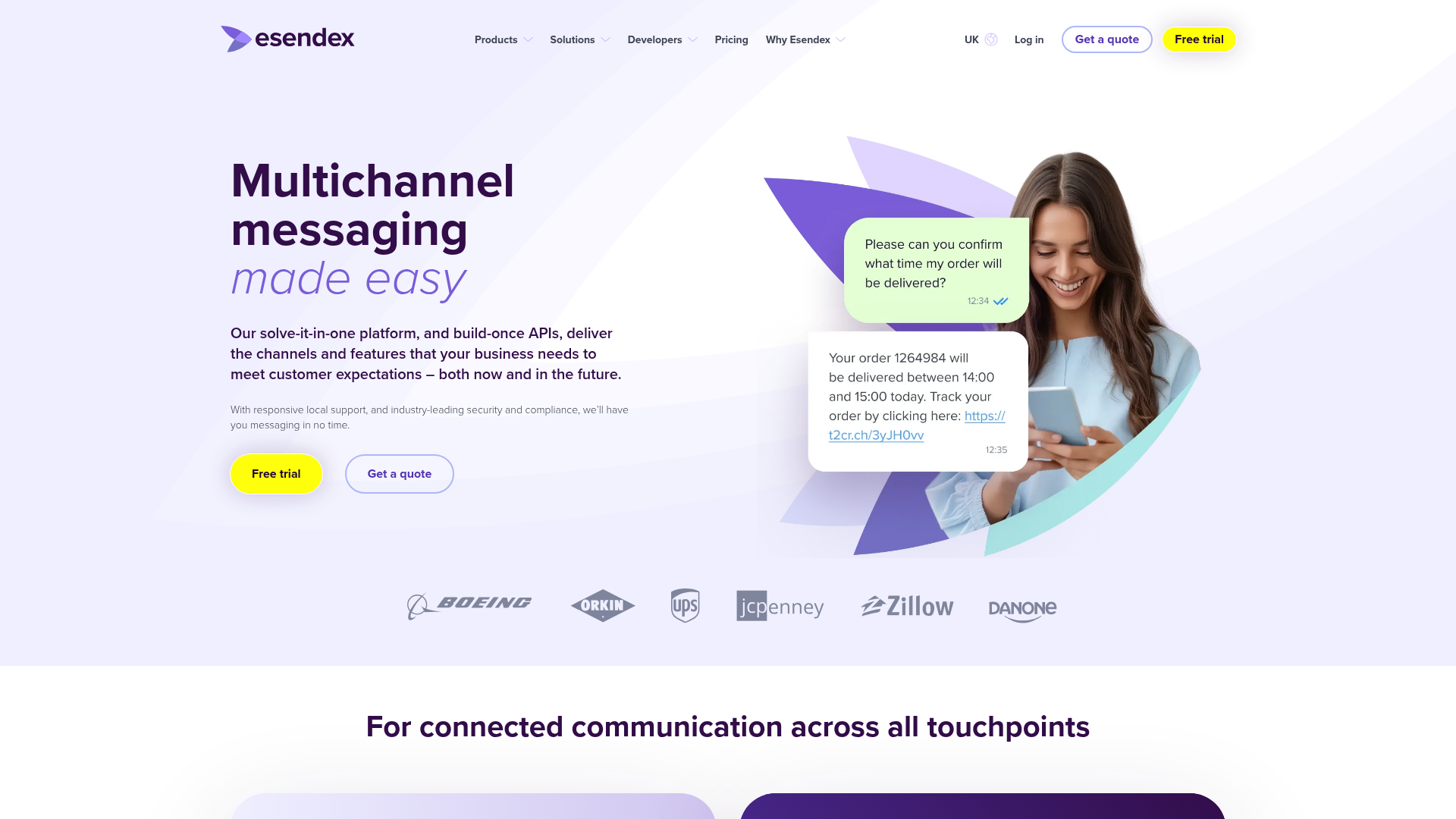
Esendex has been around since 2001 and is a familiar name in UK business messaging. It gives you SMS API tools, access to the WhatsApp Business Platform, and other messaging channels such as RCS, voice, and email. If your team wants more hands-on support from a business messaging provider, not just a developer-only stack, Esendex can be a good fit, especially for UK-facing schools, healthcare organisations, retailers, and public service teams. You can manage SMS and WhatsApp together in one place.
Core Features
- SMS API and messaging API
- WhatsApp Business Platform access
- RCS, voice, and email support
- Omnichannel customer journeys
- CRM integration support
- Automation for large-scale messaging
- UK-focused business messaging services
Pros
- UK market relevance: A good fit for local organisations that want support with a familiar regional focus.
- Omnichannel options: Handy for teams that want SMS and WhatsApp side by side rather than having to pick one channel.
- Business-friendly setup: Non-technical teams may find it easier to get started with than some CPaaS platforms, and less intimidating too.
- Sector fit: A solid fit for operational messaging in healthcare, education, retail, and service settings.
Cons
- Less transparent pricing: It’s harder to compare detailed self-serve pricing here than with some competing providers.
- May feel broader than needed: Smaller teams that mostly just want SMS may not need the full omnichannel layer.
- Less engineering control: Developer-first teams may prefer more detailed API pricing and greater flexibility when building things out.
Who It’s For
Esendex suits organisations that want SMS API access and WhatsApp Business API support in the same ecosystem. It’s a particularly good fit for teams that want a business messaging provider with strong UK relevance, but without the more build-it-yourself feel of a pure API platform.
Unique Value Proposition
Esendex makes omnichannel business messaging easier for operational teams to work with. It includes SMS and WhatsApp, but the real advantage is that both sit in a single customer communication workflow. That helps organisations that want room to grow beyond SMS without moving straight to a highly technical platform.
Pricing: Starts from £54/month for WhatsApp platform access, plus Meta per-message charges.
Website: https://www.esendex.co.uk
3. Twilio
At a Glance
Twilio is a well-known programmable communications platform. It includes an SMS API, WhatsApp API tools, voice, email and broader communications services for teams building custom messaging workflows. It’s very flexible. A lot of developers turn to Twilio because it’s powerful and adaptable. For teams weighing up an SMS API against a WhatsApp API platform, it tends to make the most sense when there’s already engineering support in-house and the messaging plan goes well beyond basic notifications.
Core Features
- Programmable SMS API
- WhatsApp Business messaging support
- Conversations API for multi-user messaging
- Voice, video and email tools
- Pay-as-you-go developer model
- Extensive documentation and integration options
- Broad communications stack across channels
Pros
- Developer-friendly: The documentation is strong, and the APIs give developers plenty of room to build things their own way.
- Scalable platform: It works well for teams that expect their messaging setup to get more complex over time.
- Broad channel support: Useful for businesses building something beyond simple alerts or reminders.
- Usage-based pricing: Works well for teams that want closer control over spend.
Cons
- Technical learning curve: If your SME team isn’t very technical, setup and day-to-day management may feel more demanding.
- Costs can add up: Message fees, number costs, channel charges and storage can make the total harder to predict.
- Less localised for this audience: The official sources reviewed didn’t verify UK and Ireland-specific cost clarity.
Who It’s For
Twilio is a good match for product teams, software businesses and organisations with developers that want to build messaging into apps, CRMs, support workflows or customer portals. It’s less of a fit for teams that mainly want a ready-to-use operational messaging tool with less setup. It’s less plug-and-play.
Unique Value Proposition
Flexibility is Twilio’s main edge. Instead of offering a narrow messaging product, the platform gives teams building blocks, which makes it a strong option for custom applications. That strength cuts both ways. Some businesses may end up paying for power they don’t really need when their main priority is dependable outbound business messaging.
Pricing: SMS starts at $0.0083 per message. WhatsApp session messages start at $0.005 per message. The Conversations API includes the first 200 monthly active users free, then charges $0.05 per active user for 201, 5,000.
Website: https://www.twilio.com
4. Sinch
At a Glance
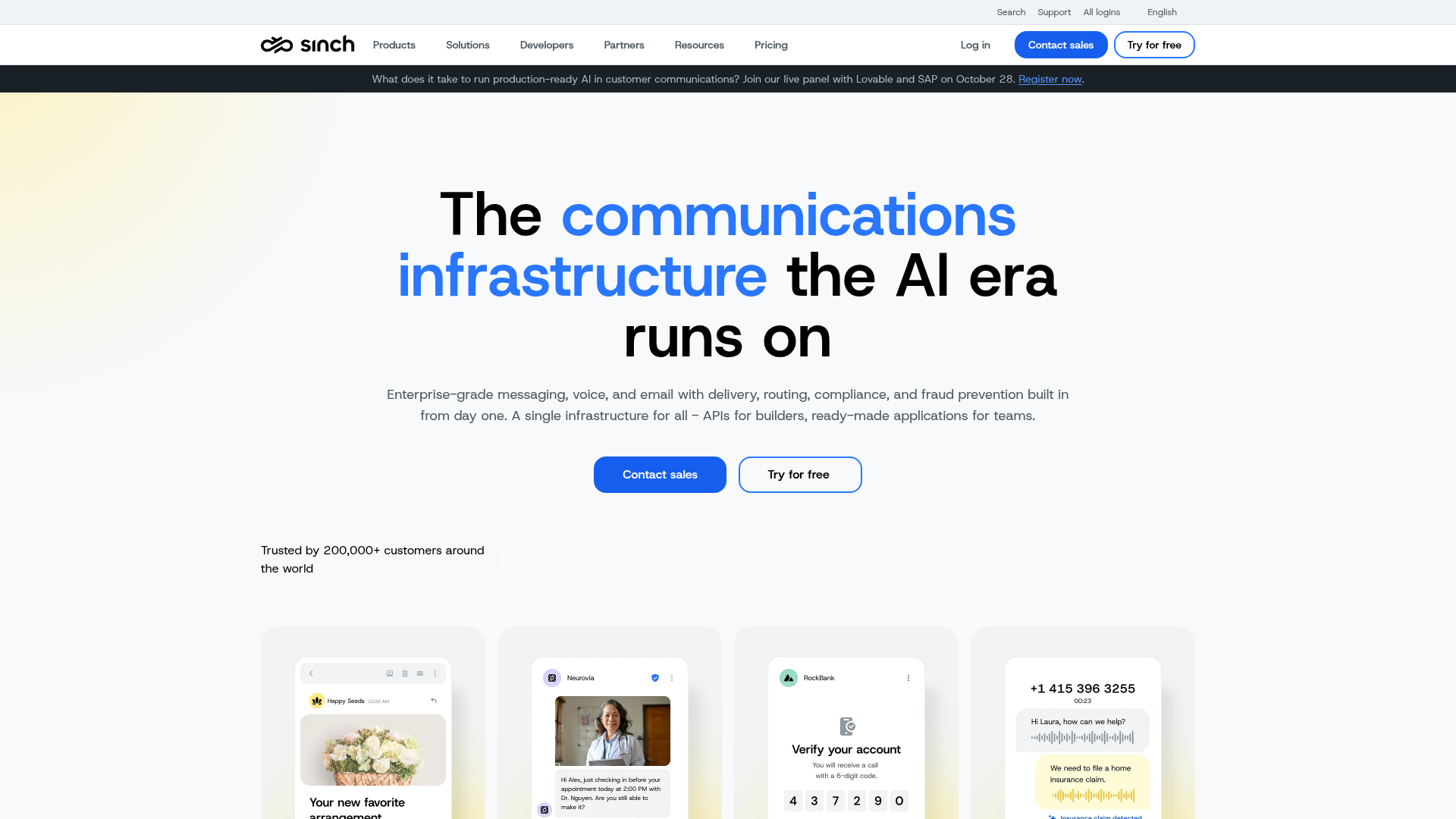
If a company sends a lot of messages, has stricter compliance requirements or is planning across more channels, Sinch is a solid choice. You get SMS API tools, access to the WhatsApp Business API and a broader conversation layer if your team wants to work from one API across multiple channels. For smaller organisations, maybe not. It can feel like more platform than they really need.
Core Features
- Programmable SMS API
- WhatsApp Business API access
- Conversation API for omnichannel messaging
- Voice, email, video and verification tools
- SMS and WhatsApp fallback options
- RCS and other channel support
- Unified messaging infrastructure
Pros
- Enterprise capability: A good fit for large-scale messaging environments.
- Unified API approach: Lets teams handle multiple channels through one architecture.
- Channel flexibility: It supports WhatsApp, SMS, RCS and more.
- Compliance positioning: Suits teams that need tighter messaging controls and verification.
Cons
- Pricing clarity is limited: The reviewed official sources didn’t confirm clear public pricing for the UK or Ireland.
- Can be complex: Smaller teams may find the setup and day-to-day management more difficult.
- Best with technical support: Larger organisations may get more from it than lean SMEs.
Who It’s For
Sinch suits larger teams, growing platforms and organisations that want a unified messaging layer across several channels, with space for more advanced workflow design as things expand. That’s the main appeal. Buyers who mainly want a practical bulk SMS platform and a straightforward rollout may find it less appealing.
Unique Value Proposition
Sinch stands out for unification. Teams that want one messaging backbone across several customer channels can get that setup here. There’s a trade-off, though: added complexity, especially for organisations whose most pressing need is simply sending reliable SMS alerts, reminders or service updates fast.
Website: https://sinch.com
What the numbers say about channel choice
Most teams comparing an SMS API with the WhatsApp Business API aren’t really asking which channel wins overall. Usually, it’s more straightforward. They’re trying to see which one works for a specific job, and the numbers below help with that.
| Metric | Figure | Period |
|---|---|---|
| UK mobile users receiving a suspicious text or iMessage | 50% | Nov 2024, Feb 2025 |
| Suspicious mobile messages blocked per month by UK operators | 30 million+ | May 2024, Mar 2025 |
| Consumers preferring messaging when communicating with a business | 73.3% | Apr, Sep 2025 |
| Consumers expecting a reply within 30 minutes | 26% | 2025 survey |
| Consumers expecting a reply within a few hours | 26% | 2025 survey |
What these figures show is pretty simple: customers like messaging, and they judge businesses by speed, trust and legitimacy. That’s why a lot of teams still begin with SMS for urgent notifications and broad reach, then bring in WhatsApp when richer conversations and app-based support make more sense.
How they stack up on cost and fit
If you’re keeping an eye on costs, public pricing isn’t always easy to pin down. But the numbers that are out there show one thing pretty clearly: WhatsApp Business API pricing and programmable messaging costs can change quickly depending on message type, delivery model, users and platform layers.
| Platform | Founded | Public Entry Price | Notable Numeric Detail |
|---|---|---|---|
| Sendmode | 2008 | , | Focuses on SMS-led business messaging for operational use cases |
| Esendex | 2001 | £54/month | WhatsApp platform access plus Meta per-message charges |
| Twilio | , | $0.0083/message | WhatsApp session messages from $0.005; first 200 MAUs free on Conversations |
| Sinch | , | , | No verified UK/Ireland public pricing found in official sources reviewed |
If a team wants predictable operational messaging without a lot of pricing complexity, Sendmode will probably be the most practical starting point on this list. Looking for a broader WhatsApp API platform and deep custom development? Twilio or Sinch may be the better technical fit. Esendex sits between those two.
Ready to choose the channel your team will actually use?
Teams often get bogged down comparing features instead of fixing the actual problem. What they need is messaging that gets to people quickly, fits into the systems they already use, stays compliant, and doesn’t create more admin than it removes. A lot of WhatsApp-first plans take longer to get off the ground. Things like opt-ins, templates, channel rules, and the way people use the app day to day all affect how fast a team can get started.
For many UK and Irish organisations, SMS still works better as the safer operational core. It reaches people straight away, almost everyone can access it, and it works well for reminders, alerts, notices, and simple two-way communication. Straightforward and practical. Sendmode makes SMS easier to use every day with bulk SMS, API access, two-way messaging, and business-friendly workflows that don’t rely on a large technical team.
If your team needs a platform that supports quick decisions while keeping messaging practical and compliant, take a look at this bulk SMS and business messaging platform. It’s a strong fit for organisations that need reliable communication first, without extra channel complexity getting in the way.
Frequently Asked Questions
What should teams look for when choosing between an SMS API and WhatsApp Business API?
Begin with four basics: reach, urgency, integration needs, and compliance. If messages have to get to nearly every contact quickly, an SMS API is the stronger foundation. The WhatsApp Business API is useful when customers already use WhatsApp and the team needs more detailed chat flows. After that, look at opt-in rules, pricing, reporting, and whether non-technical staff can use the platform without trouble.
How can a team measure whether its messaging platform is effective?
Don’t just look at clicks; look at delivery rates, response rates, opt-out levels, failed sends, support resolution times, and operational results like fewer missed appointments or faster staff confirmations. For example, a platform like Sendmode is useful when success comes down to practical team communication rather than only marketing engagement. You can handle reminders, alerts, replies, and API-led workflows all in one place.
Is WhatsApp Business API cheaper than SMS API?
Not always. On the WhatsApp Business Platform, pricing is charged per delivered message, and those messages fall into marketing, utility, authentication, and service categories. SMS pricing can seem simpler at first, but WhatsApp costs vary with the type of message, provider fees, and Meta charges. Which option is cheapest comes down to your volume, your geography, and whether the message needs app-based interaction or just simple direct reach.
How long does it take to launch team messaging?
A basic SMS API or a bulk SMS setup is usually quicker to get live than a full WhatsApp workflow, especially for alerts, reminders and service updates. WhatsApp often takes longer, since templates, opt-ins, approval flows and the more detailed setup all add extra work. If communication needs are urgent, teams usually begin with SMS and expand once the process is stable.
Which kinds of businesses benefit most from an SMS API?
Schools, clinics, retailers, financial services teams, community groups, logistics providers and multi-location businesses benefit most. They need broad reach, quick delivery and simple actions like confirming appointments, sharing alerts or prompting a response. In those cases, SMS works better than app-dependent channels.
When does a WhatsApp API platform make the most sense?
It tends to fit best when customers are already talking to a brand on WhatsApp and the team needs more than basic messages, things like richer chats, media, or support flows inside the app. Not every time. It can also sit alongside SMS rather than replace it, especially if a team wants to keep urgent notifications apart from longer service conversations that continue over time. That’s exactly how some teams use it. Platforms such as Sendmode can cover the SMS side cleanly when broad reach remains the priority.